
Documents›Show Remote
Add-on
Show Remote
Change what's on the venue screens from your phone during a gig: push a sign, black the room out, or flip a TV to live sport.
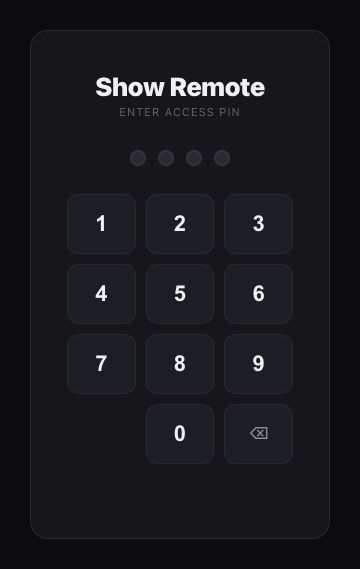
Open It
Get Show Remote onto the phone or tablet you'll use on the night.
4 steps
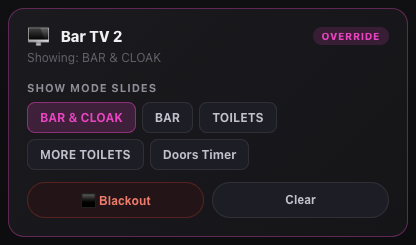
During the Show
Change what's on screen in one tap.
5 steps
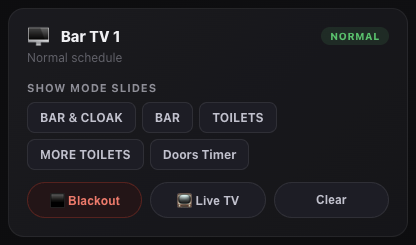
Live TV
Flip a TV to its own tuner for the footy, then back to signage.
4 steps
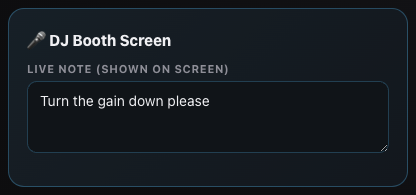
Stage Monitors
A screen for the band or DJ that shows the time and your notes.
5 steps
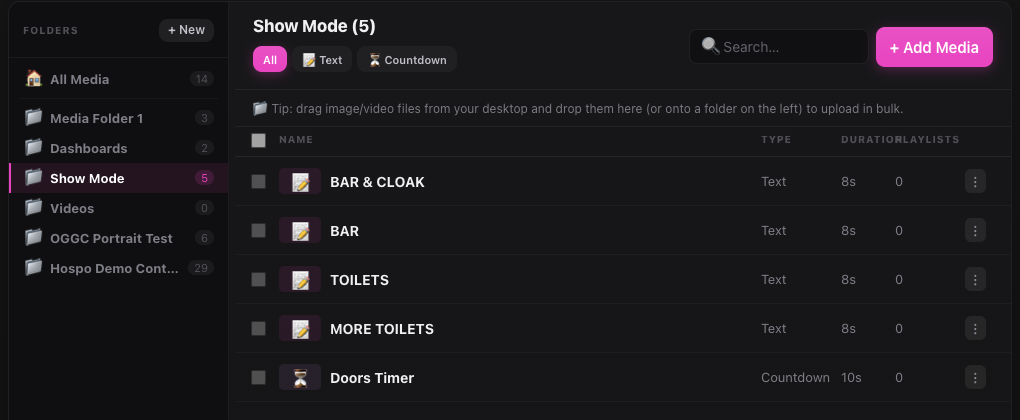
Set Up Once
Done once in the Signage control panel, then forget about it.
4 steps
Good to know
- Show Remote is an add-on: if
/signage/showsays it isn't enabled, ask JJJK to switch it on for your venue. - Chips only come from one folder: a slide only shows up on Show Remote if it's in the
Show Modemedia folder. Adding it to a playlist isn't enough. - Clear is a two-step after a blackout: the first Clear brings back the slide that was up before. Tap Clear again to go back to the normal playlist.
- Offline means no check-in for 5 minutes: the TV is off or the VenueOS app has closed. Turn it on and open VenueOS from the TV's app list.
Where to find it
/signage/showShow Remote: slides, blackout, Live TV, stage notes/signage/controlShow Mode folder, PIN, Live TV setting (manager login)Still stuck?Send us a ticket and the JJJK team will get back to you.
Submit a ticket