
Manager Only
Set Up Once
Done once in the Signage control panel, then forget about it.
Make your show slides
In
Media, put slides in the folder named exactlyShow Mode(bar open, toilets, cloakroom, last drinks). Only slides in that folder show up as chips.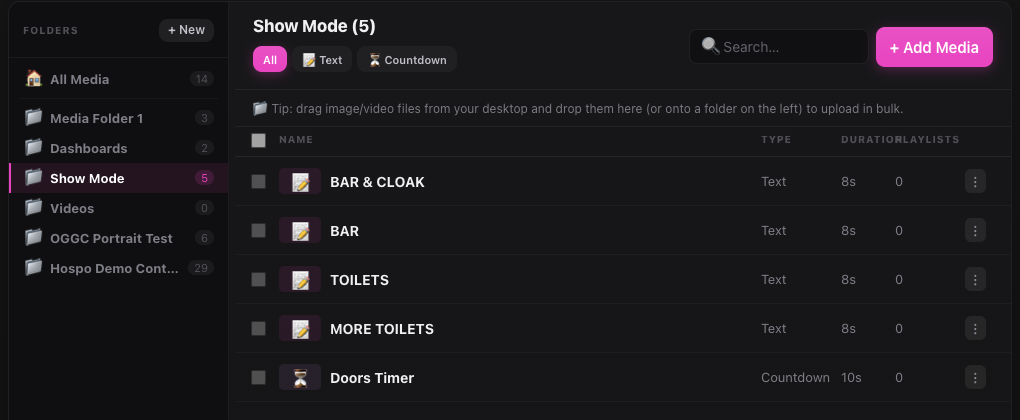
Slides in the Show Mode media folder become the one-tap chips. Set a PIN
Settings→Show Mode PIN. Recommended: without a PIN, anyone with the link can control your screens.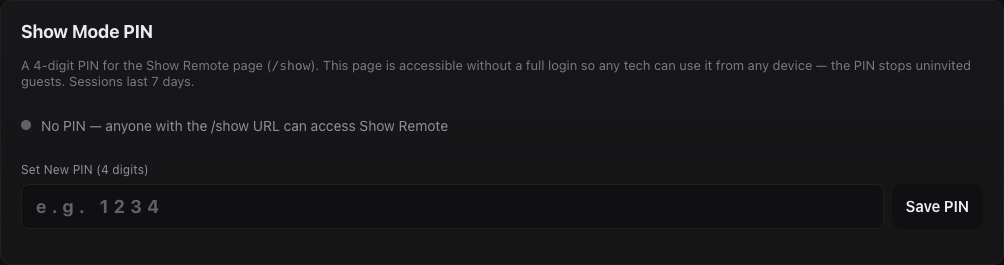
Setting the Show Mode PIN. Turn on Live TV
Screens→ open the screen →Devicetab → tickLive TV switching in Show Remote. Only shown for Philips Android screens.Add a Stage Monitor
Ask JJJK to set a screen up as a Stage Monitor for you.
Still stuck?Send us a ticket and the JJJK team will get back to you.
Submit a ticket