
Set up the staff iPad or phone
Give staff a one-tap way to mark dishes sold out.
Set a staff PIN
On the Live Menu tab, under
Staff access, type 4 digits and clickSave PIN.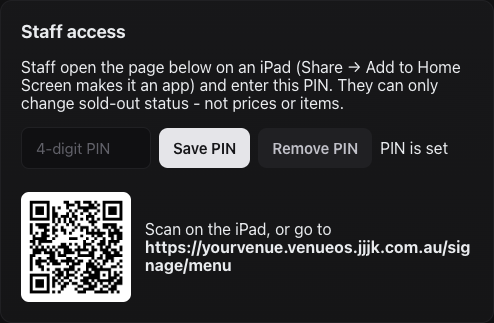
Staff access, with the QR code for the iPad. Open the staff page
Scan the QR code with the iPad's camera, or go to
<your venue>.venueos.jjjk.com.au/signage/menuin Safari.Add it to the Home Screen
In Safari, tap Share →
Add to Home Screen. It then opens full screen, like an app.Sign in
Enter the PIN, then the staff member's first name. The name is shown in the change log so managers can see who changed what.
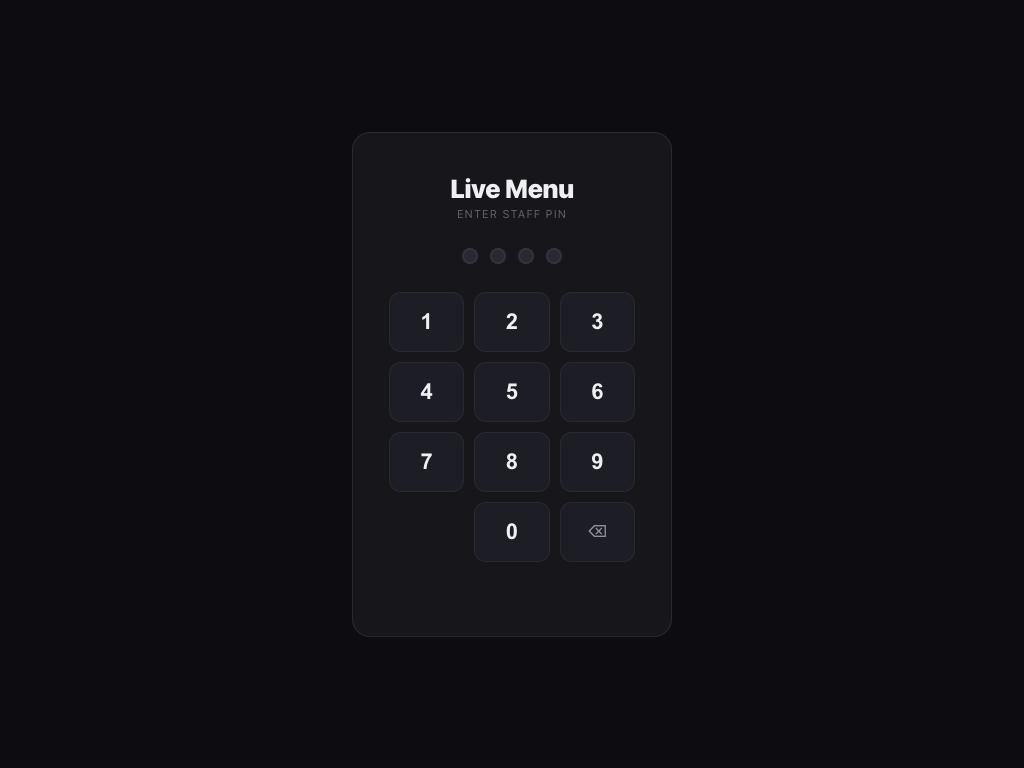
The PIN pad on the iPad. Let staff edit dishes (optional)
Under
Staff access, tickAllow staff to add and edit dishes. Staff then get anEditbutton on every dish and+ Add dishunder each section on the staff page. Untick it any time to go back to sold-out only.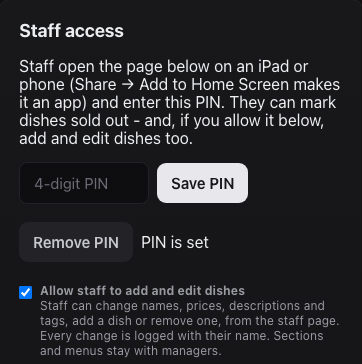
The Allow staff to add and edit dishes tick box.
Still stuck?Send us a ticket and the JJJK team will get back to you.
Submit a ticket