
Venue Setup
Set Up Once
Venue-wide config that every show draws from.
Branding & specs
Logo, Venue Photo, and a Venue Specs Guide PDF — all shown to touring acts.
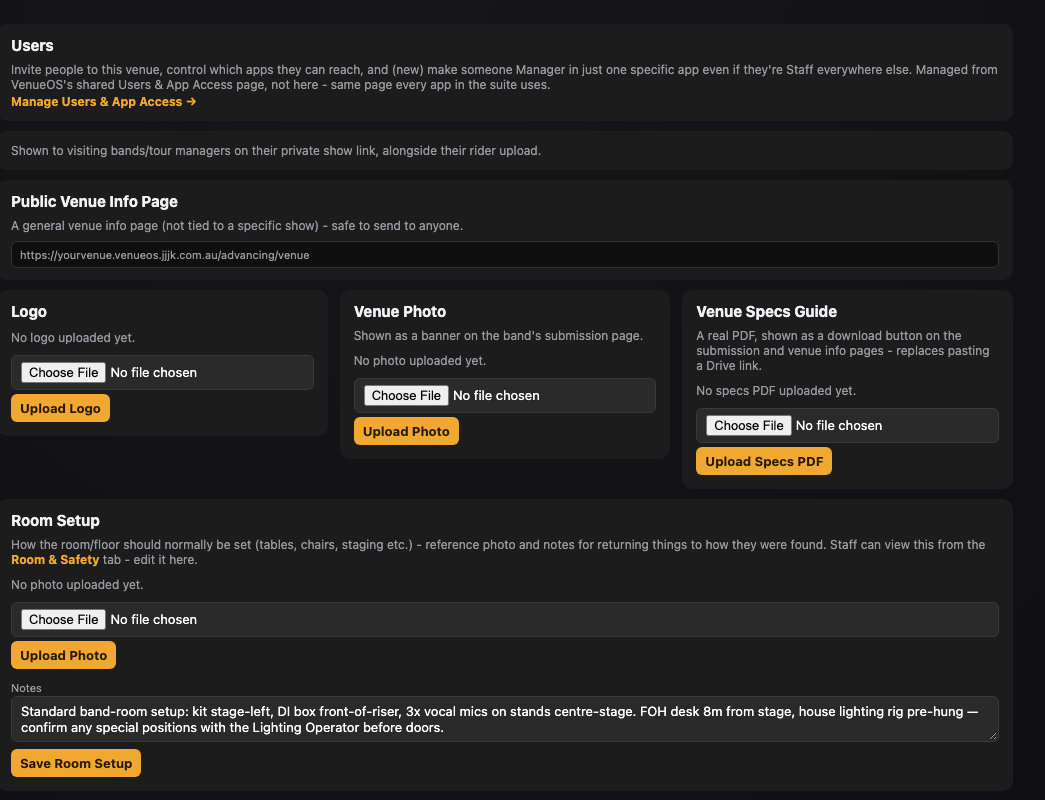
Venue setup: logo, photo, specs guide and room setup. Staff Roster Roles
The default contact for each role. Every new show inherits these live — updating a phone number here updates every show referencing that role, past and future.
WiFi
Network name & password — printed-worksheet only, never public.
External Contacts / Suppliers
Shown on the public Venue Info page to staff and touring parties alike.
Checklist Templates
The shared Pre/Post-Show items every show uses. Editing the template changes every show that references it, including ones already marked done.
Still stuck?Send us a ticket and the JJJK team will get back to you.
Submit a ticket