
Documents›Gig Hub
Gig Hub
Advance a show with touring acts, run the day-of checklists, and keep a venue-wide record of contacts, gear, and rosters — all from one dashboard.
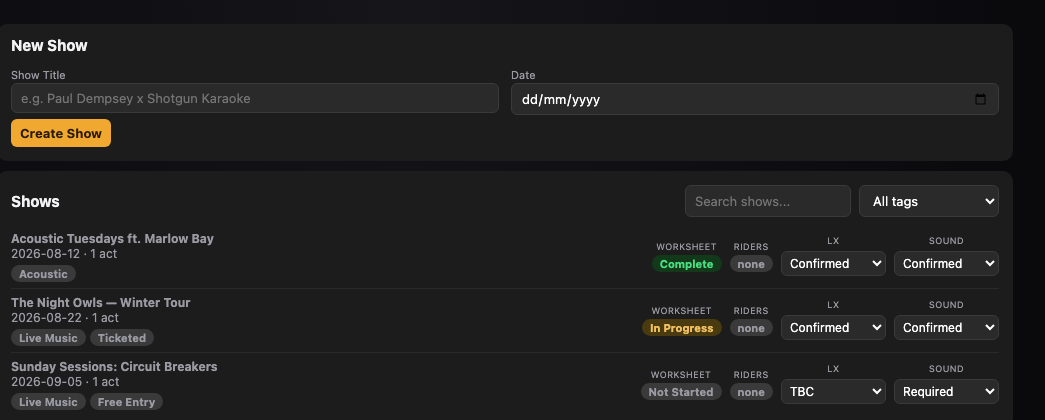
Advance the Show
Everything you'll fill in ahead of the night.
5 steps
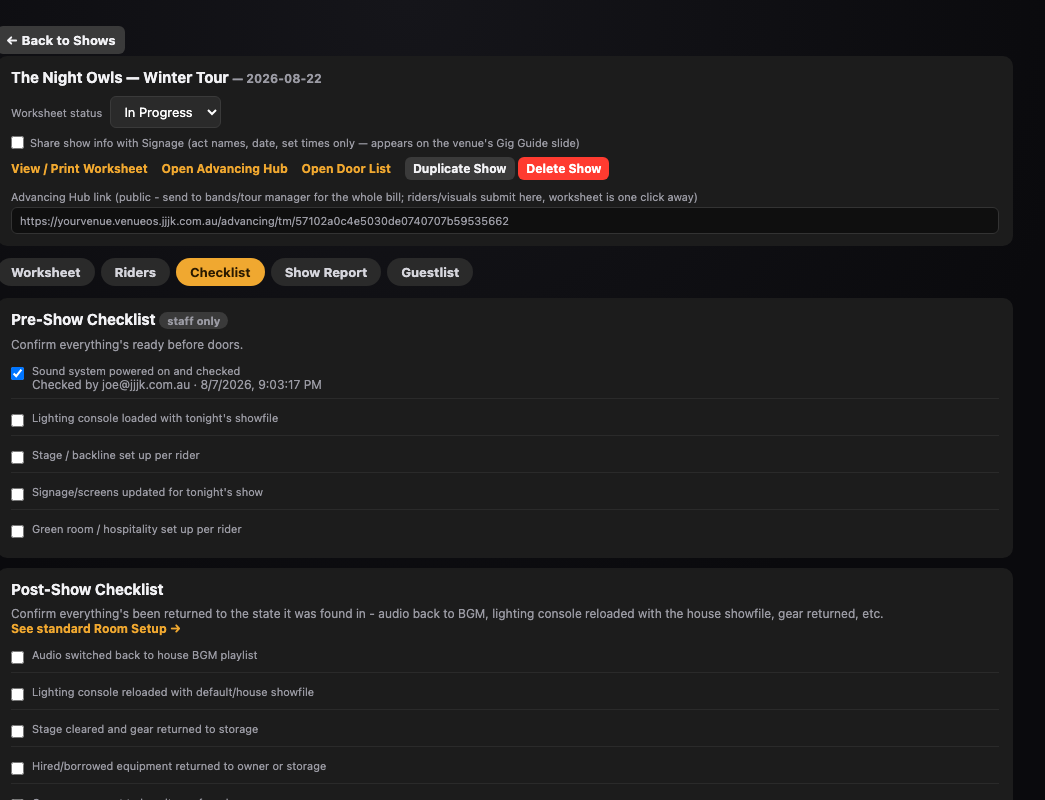
Show Day
What happens on the day itself.
4 steps
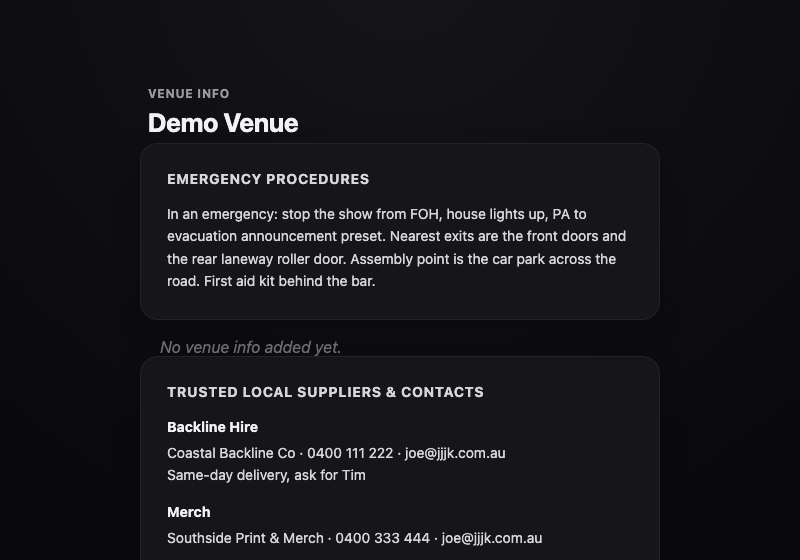
What Touring Acts See
The Advancing Hub — what you're actually sending out.
4 steps
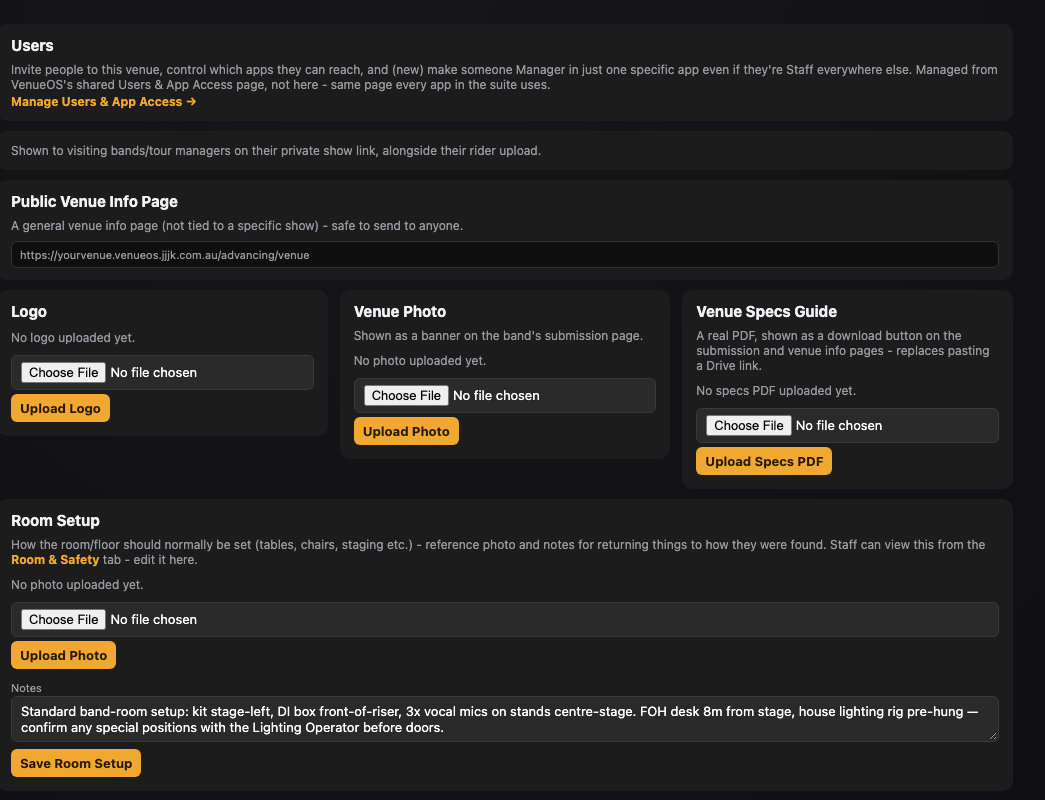
Set Up Once
Venue-wide config that every show draws from.
5 steps
Good to know
- "Staff only" pills don't mean Manager-only: Internal Notes, Pre-Show Checklist, and Show Report are hidden from the touring party, but any logged-in Staff member can use them — not just Managers.
- LX/Sound Requirements ≠ who's doing it: the Booking card's dropdown only tracks whether lighting/sound is needed. The person actually doing it is set separately, further down, in People on this Show.
- Roster overrides only email on a genuine change: assigning the existing default Lighting Operator or Sound Tech sends nothing. Only assigning someone different triggers the email — use "Send show details" to notify manually otherwise.
- Contacts tab is hidden from Staff, but not the contacts: Staff can still add someone new inline via "+ Add new contact..." inside any contact picker, without needing the Contacts tab itself.
- Duplicate Show doesn't carry everything: tags, roster overrides, the daysheet, and acts come across, but the show gets a brand-new Advancing Hub link, and riders, poster/attachments, and the show report/feedback all reset to empty.
Where to find it
/advancing/Dashboard — stats, upcoming shows, shows assigned to you/advancing/controlShows, Contacts, Assets, Venue Setup — where the work happens/tm/<token>The Advancing Hub — from a show's header, unique per show/worksheet/<token>Printable worksheet — linked from inside the Hub/venuePublic Venue Info page — not tied to any one showStill stuck?Send us a ticket and the JJJK team will get back to you.
Submit a ticket