
Live
Run the Game
Everything you'll touch during play.
Score it
Tap
Goal +6orBehind +1for whichever team scored. The small-Goal/-Behindbuttons undo a mis-tap.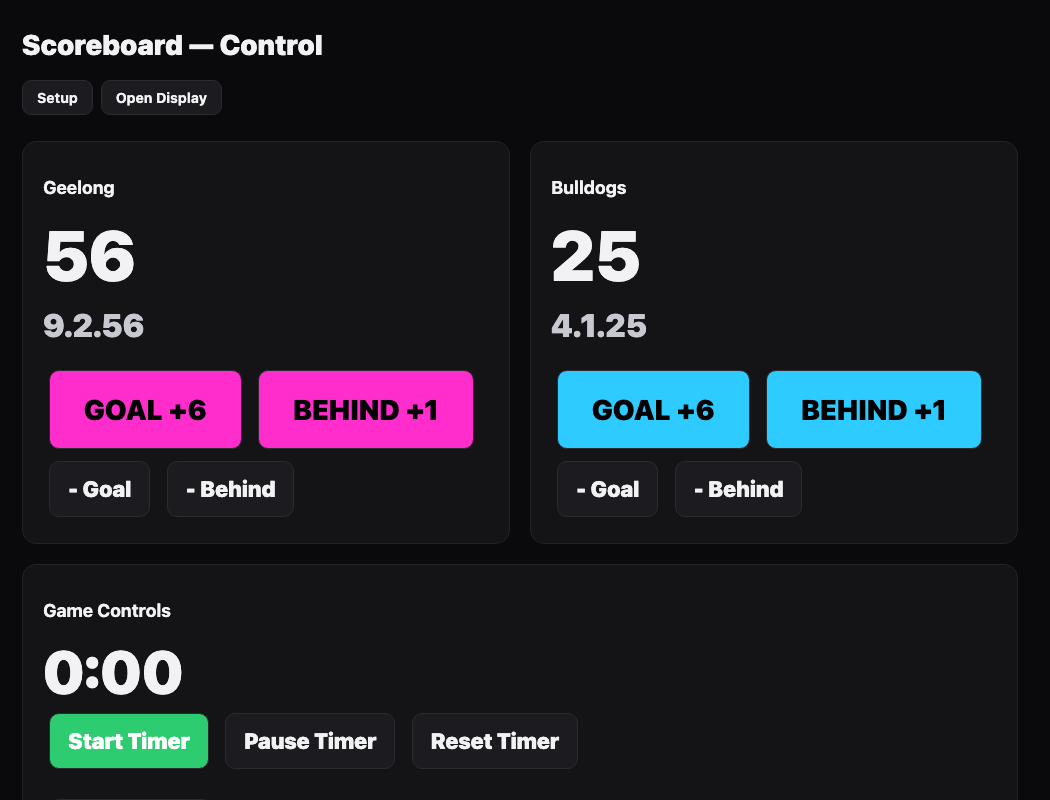
Scoreboard control: score buttons and the game clock. Run the clock
Start/Pause/Reset Timer, then pick the period from the dropdown and hitSet Period.Flash the screen
Goal Flash,Behind Flash,Siren, andFull Timetrigger big on-screen moments for the room.Fix a mistake
Undo Last Scorereverts the most recent score.Reset Scoreszeroes both teams.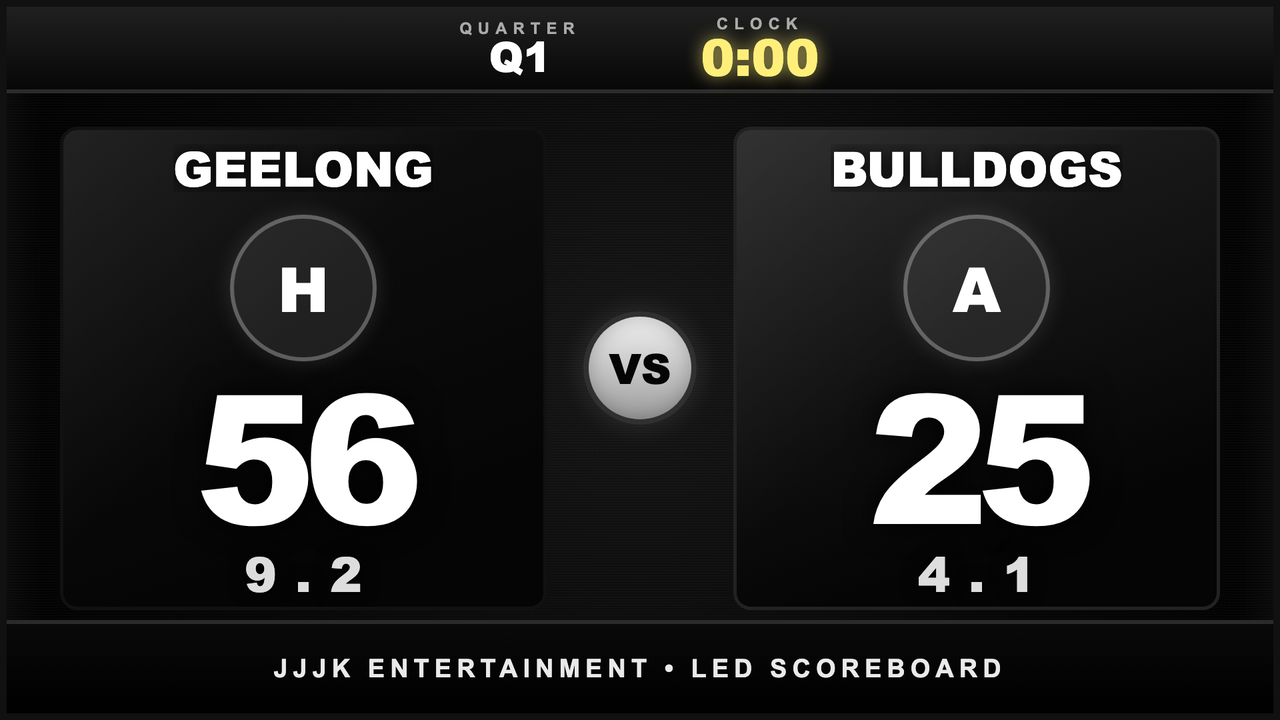
What the scoreboard looks like on the screen.
Still stuck?Send us a ticket and the JJJK team will get back to you.
Submit a ticket